How a call works
From the first tap to talking with loved ones takes a couple of minutes. Neither of you needs apps, accounts or passwords.
-
Your room opens right away
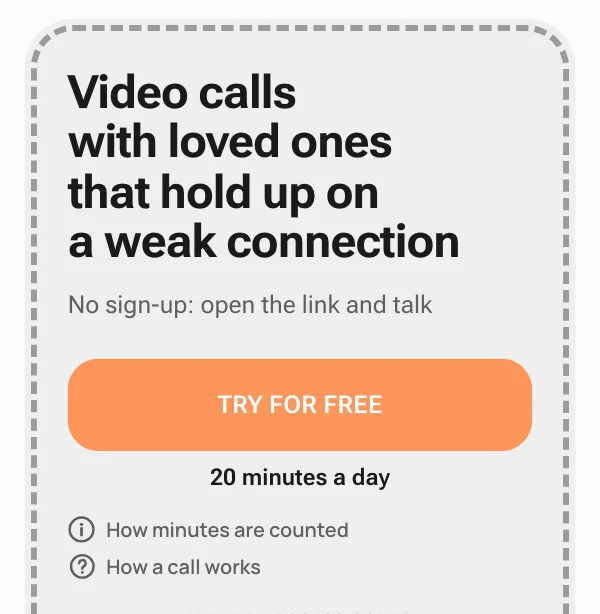
The "Try for free" button on the home page opens your room right away: no sign-up, email or password. The browser asks once for camera and microphone access.
Free: 20 minutes of talk. When they run out, new ones appear a day later.
-
A link for your loved ones
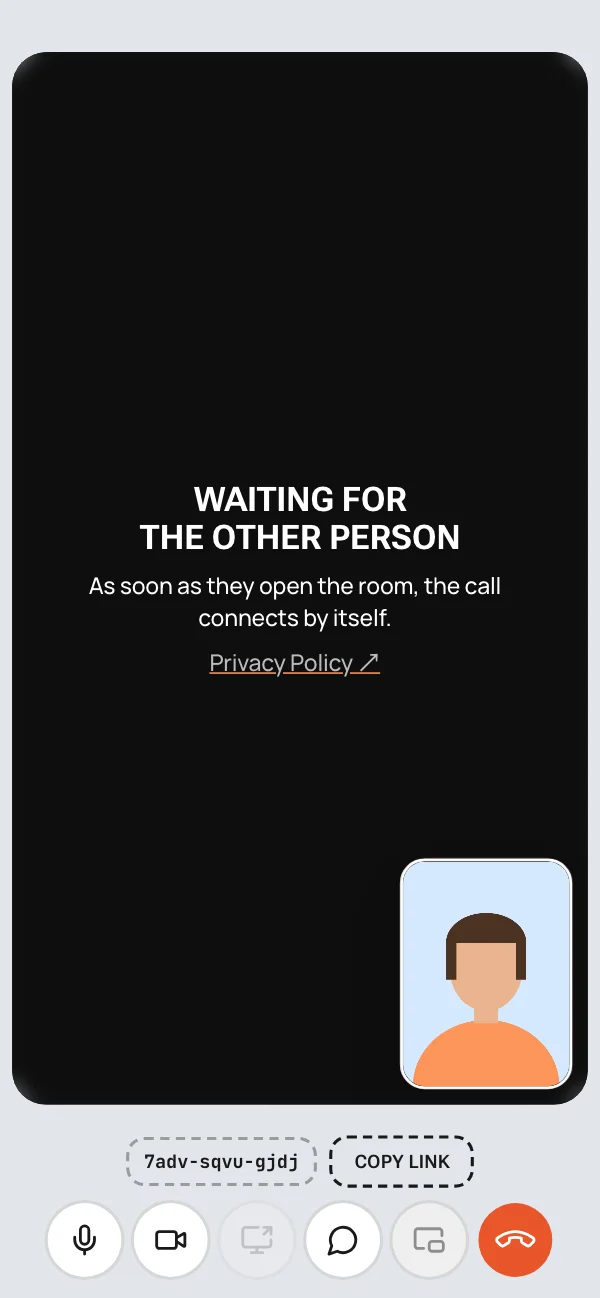
In the room, the "Copy link" button gives you a link for the other person. Send it in any messenger, by email or by text.
Until they open the link, the room waits and your free minutes aren't used.
-
They just open the link
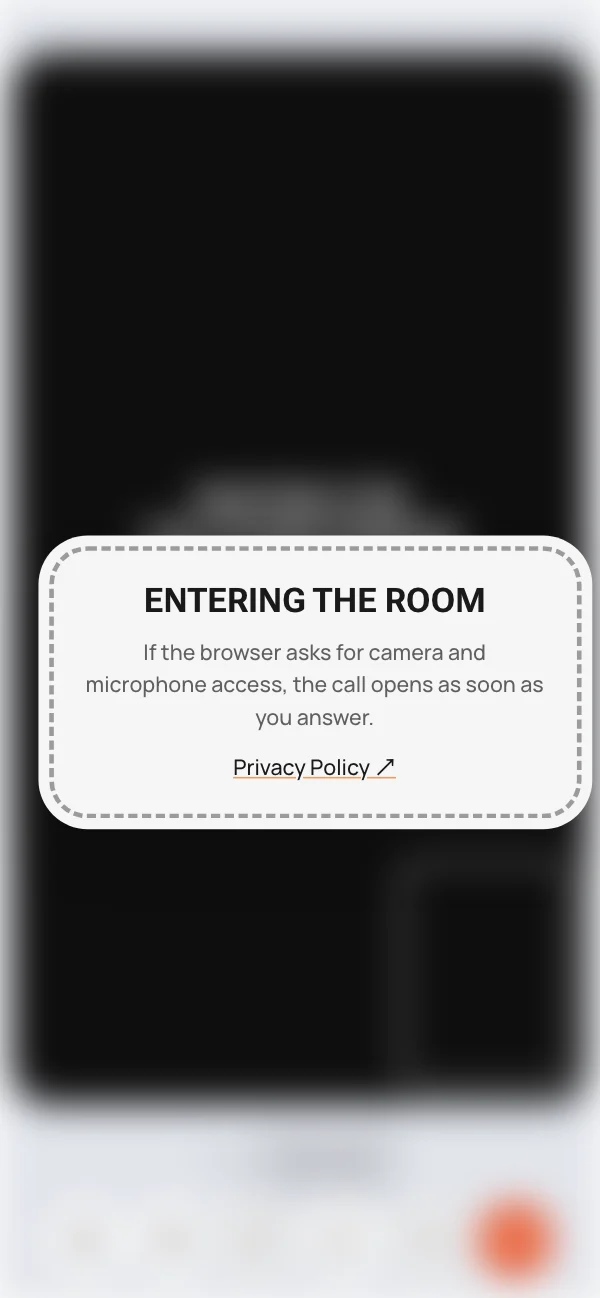
The link opens your room straight in the browser. Nothing to download, enter or pay: they allow the camera and microphone, and the call connects by itself.
-
The call holds up on weak internet
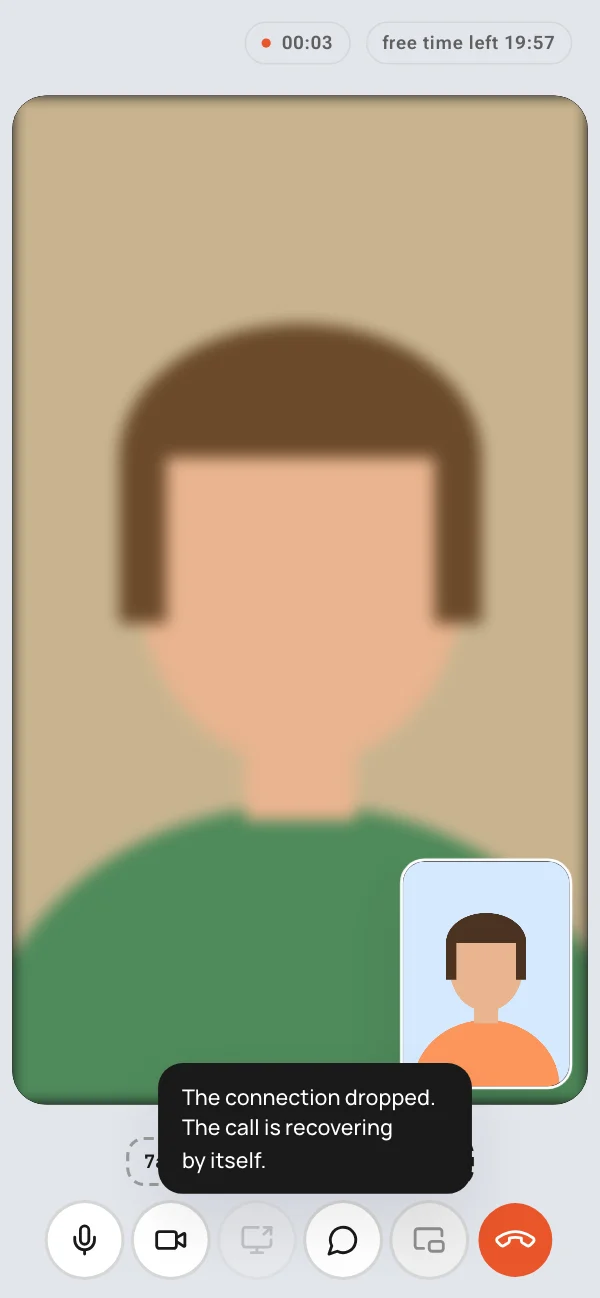
Video and audio go directly between your devices, and picture quality adapts to the connection. If the internet blinks, the call recovers by itself, no need to call back.
When the direct path is blocked, for example by strict hotel Wi-Fi or a mobile carrier, the call goes through a backup server.
-
on paid plans
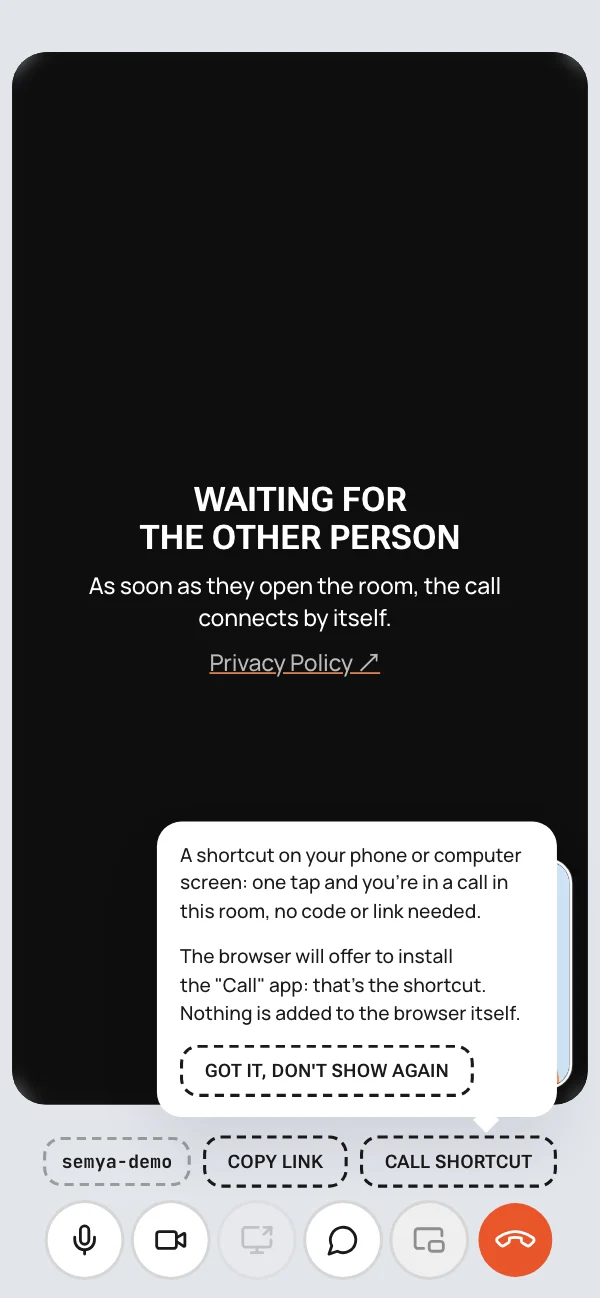
One-tap calling
On a paid plan, the room and link are permanent. You can put a call icon on a loved one's phone once: after that it's one tap and they're in the call, no code or link needed.
Set up the icon when you're together, or walk them through it on a video call.
-
Buying a plan
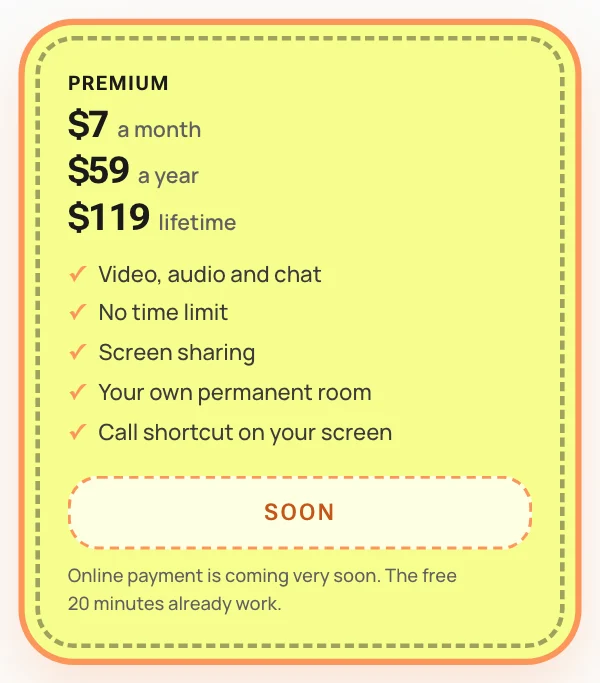
Online payment is coming very soon: the "Buy" button will open the payment page, and your access code will arrive right after payment. For now the buttons say "Soon".
Light and Premium are auto-renewing subscriptions: $7 a month or $59 a year, cancel at any time. Premium Lifetime is $119 once, forever.
Who sees what
- The call goes directly between your devices: the service doesn't see, hear or record it.
- Chat messages also go directly and aren't stored on the server.
- There are no accounts: no names, emails, phone numbers or passwords.
Questions and answers
Does the other person need to pay?
No. One of you pays, and the other person just opens your link. They need neither a code nor sign-up.
How many devices can be in a room?
Two, one on each end. The whole family can gather around one laptop or phone. A third device can't join.
How are free minutes counted?
You get 20 free minutes of talk. Minutes run only while you're connected: while you wait for the other person or the connection is down, the countdown is paused. Minutes are used on both sides. What's left is shown at the top of the call screen, and you get a warning 5 minutes before the end.
Why a 23 h 40 min break and not a full day?
20 minutes of talk plus a 23 h 40 min break add up to exactly one day. If you call at the same time every day, fresh minutes will be waiting.
What happens if the connection drops?
The call recovers by itself, no need to call back. If the direct path between you is blocked (strict office or hotel Wi-Fi, a mobile carrier), the call goes through a backup server. Free minutes aren't used while the connection is down.
Can I minimize the browser during a call?
Not on iPhone and iPad: iOS turns off the microphone and camera for a minimized page, and the other person stops seeing and hearing you. Keep the call on screen and don't lock the phone with the button: the screen itself won't go dark during a call. If the browser does get minimized, just return to the tab and the call will try to recover by itself.
On a computer you can switch between windows, and the "Picture-in-picture" button keeps the cameras on top of other windows.
Which browsers and devices work?
Any modern browser on a computer, phone or tablet. If something doesn't work, updating the browser and checking that it has camera and microphone permission usually helps.
What happens to the room when the plan ends?
This happens if the subscription was cancelled or a renewal payment didn't go through. You won't be able to enter the room: you'll see "The code has expired". A call that's already going won't be cut off. As long as the subscription renews, the code and link stay the same and the call shortcut keeps working.
Can I cancel or get a refund?
You can cancel your subscription at any time: there will be no next charge, and the room keeps working until the end of the paid period.
Refunds follow the Terms of Service.
Can we talk with audio only?
Yes. Turn off the camera with the button in the call, and it uses much less data too.
Can I share my screen?
Yes, on paid plans, from a computer. In Safari screen sharing may be unstable or not work at all: we know about it and are working on a fix. You can't share your own screen from iPhone or iPad, but you can watch the other person's.
Does it work on mobile data?
Yes, for both of you. If the connection is weak, the picture gets simpler and the call goes on.
What if I lose my code?
Write to help@zhivem.global with the date and amount of your payment, and the code will be restored.
Can I give a plan to a loved one?
Yes. The code can be given to anyone: the room works from any device.
20 minutes a day